We have moved! Our official corporate website is now www.cityunionbank.bank.in
You will be redirected automatically to the new domain.
Redirecting in 15 seconds...
City Union Bank sends SMS through it's official SMS headers namely CUBANK-T,CUBANK-S,CUBANK-P,CUBLTD-T,CUBLTD-S,CUBLTD-P. Customers are hereby requested to take a note of this and be cautious before initiating any transaction or authorisation process.
Customer Awareness
Pay your Electricity bill seamlessly in our CUB Net/Mobile Banking using the Bill Payment -> Bill Pay & Recharge -> Insta pay -> Electricity
மின்சாரம்
நியூ இந்தியன் எக்ஸ்பிரஸ் மற்றும் தினமணியில் இருந்து ஒவ்வொரு நாளும் இந்த முக்கியமான ஜங்ச்சரில் இ-பேப்பர் செய்திகளை பதிவிறக்கம் செய்யவும்
இ-பேப்பர்
CITY UNION BANK is registered with DICGC
DICGC
ஆஸ்க் லக்ஷ்மி, உங்கள் விர்ச்சுவல் அசிஸ்டண்ட்

CUB-யின் 24 X 7 வாடிக்கையாளர் சேவையை அழைக்கவும்: 
எங்களுக்கு இமெயில் அனுப்புங்கள்: customercare@cityunionbank.in
ஆஸ்க் லக்ஷ்மி, உங்கள் விர்ச்சுவல் அசிஸ்டண்ட் 
CUB-யின் 24 X 7 வாடிக்கையாளர் சேவையை அழைக்கவும்: 
எங்களுக்கு இமெயில் அனுப்புங்கள்: customercare@cityunionbank.in
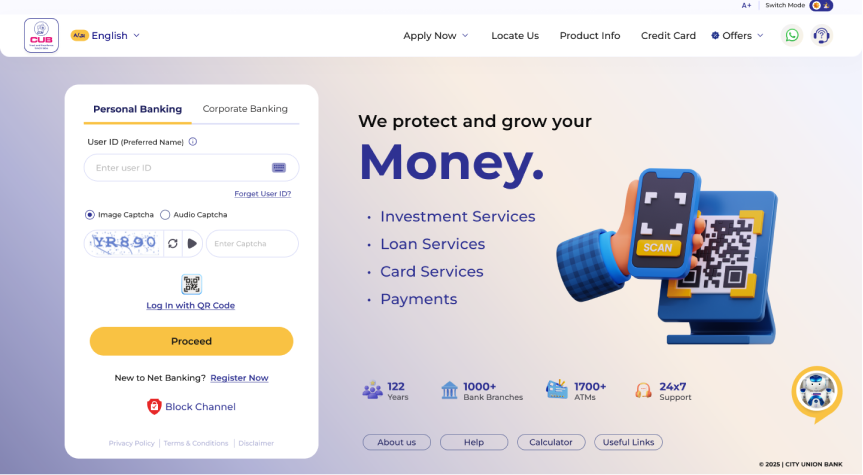
Step into the future of banking. Faster, smarter, and built around you — Register now to experience it.
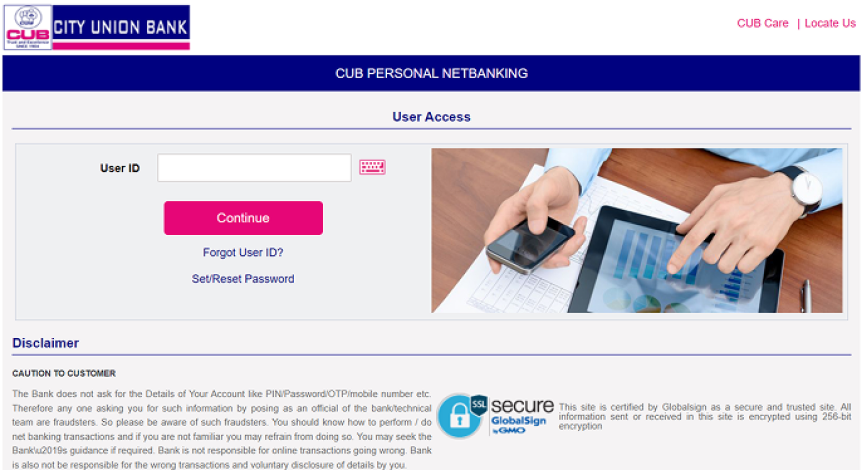
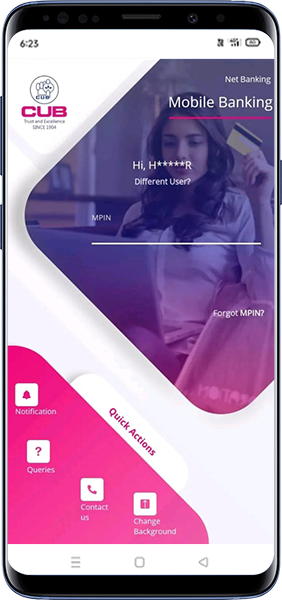
Continue using your existing Net Banking Platform which you have trusted for years with same credentials.
First Time User
Download and Install BHIM app from Google Play store/Apple App Store.
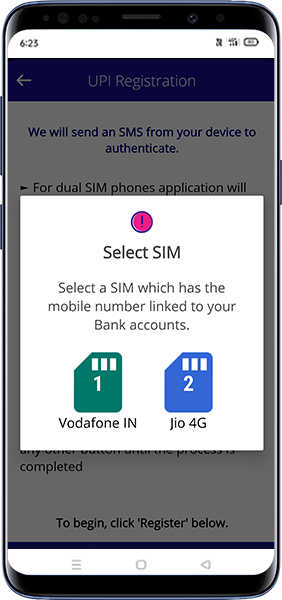
Select SIM card which has the mobile number registered with your respective bank.
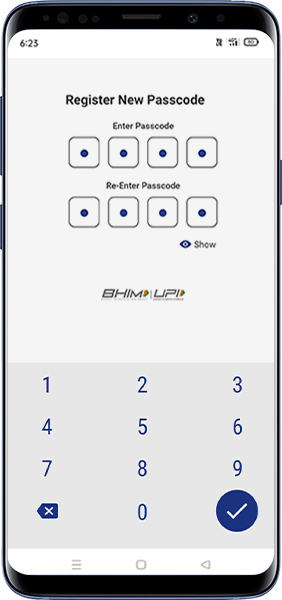
Set the application passcode required to enter the app.
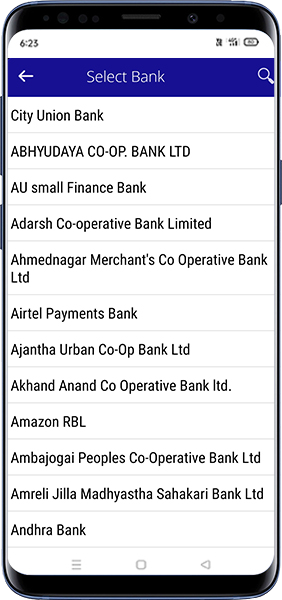
Link your bank accounts using bank account option.
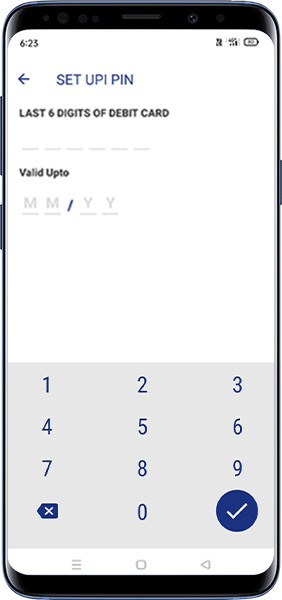
Set your UPI PIN by providing last 6 digits of debit card and expiry date of debit card.
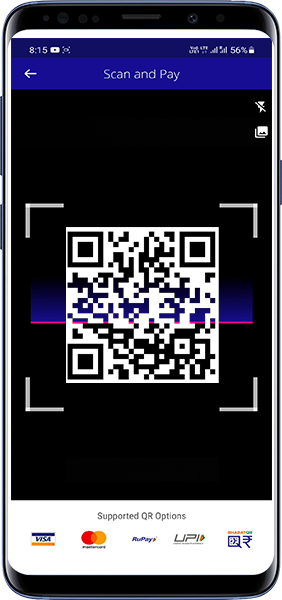
Click on send and enter UPI ID. You can also Scan & Pay the QR of the person to whom you want to send money.
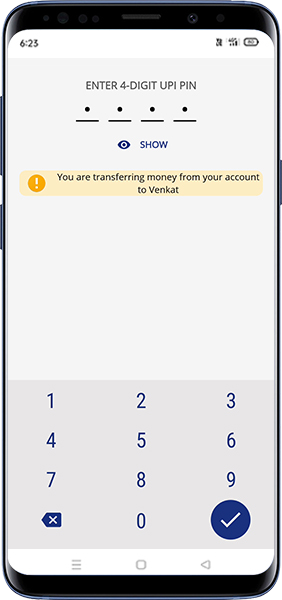
Enter the UPI Pin you set earlier to authenticate the transaction.
Check ‘Transaction’ to see the status of the transaction
கடைசியாக புதுப்பிக்கப்பட்ட தேதி: 06-09-2022 03:32:42 AM