27 எனது நெட்பேங்கிங் IPIN (கடவுச்சொல்) ஏன் செயல்படவில்லை?

There could be various reasons for the PIN (password) not functioning .The most common reason is :

* The PIN (password) is case-sensitive and may not have been entered in the same lower or upper case as mentioned in the PIN envelope sent to you.

28 எனது கடவுச்சொல்லை எவ்வாறு மாற்றுவது?

To change your IPIN (password), please follow the instructions given below

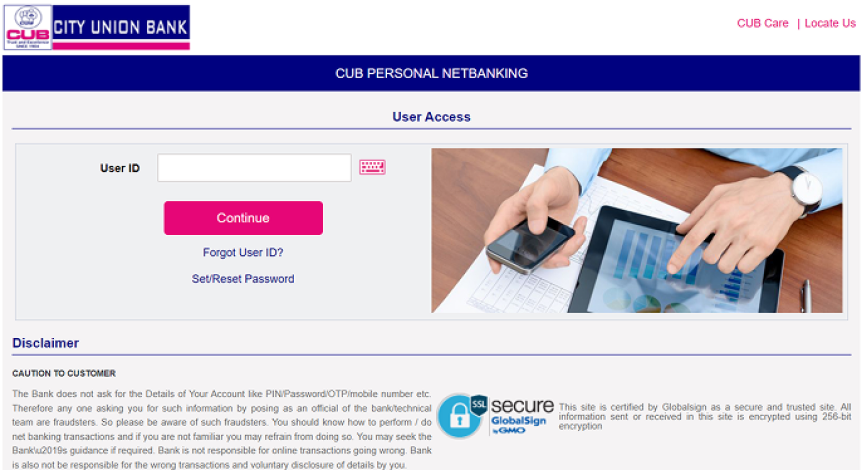
*Go to NetBanking Log-in page and key in the Cust ID and password. The passwords are case-sensitive. Please key in the same lower or upper case as mentioned in the PIN envelope.

*After having logged in, change the password using the change password option. The password should be alpha-numeric and the minimum character length is 6 and maximum of 22. Example password phrase will be shown at the bottom of the password change window

29 என் கடவுச்சொல்லை மாற்றி விட்டேன், ஆனால் என் பழைய அல்லது புதிய கடவுச்சொல்லை பயன்படுத்த முடியவில்லை. நான் என்ன செய்ய வேண்டும்?

இதற்கான காரணம் ஒரு வேளை:

* The new IPIN (password) is not entered correctly OR

*After three unsuccessful attempts, access to NetBanking has been disabled for security reasons. It will get released automatically after an hour.

30.எனது IPIN (கடவுச்சொல்)-ஐ நான் எவ்வாறு முடக்கலாம் அல்லது பதிவு நீக்கம் செய்யலாம் ?

உங்கள் IPIN-ஐ முடக்க அல்லது உங்கள் இன்டர்நெட் பேங்கிங்கை பதிவு நீக்கம் செய்ய உங்கள் ஊரில் உள்ள கிளையில் நீங்கள் ஒரு எழுத்துப்பூர்வமான வழிமுறையை வழங்கலாம்.

31 சரியான பாதுகாப்பை உறுதி செய்ய என்னென்ன வழிமுறைகளை நான் முயற்சிக்க முடியும்?

பின்செல்லவும்

கடைசியாக புதுப்பிக்கப்பட்ட தேதி: 01-09-2022 11:49:39 AM

CUB வங்கி சேவைகள் CUB வங்கி சேவைகள்

ஒரு தனித்துவமான வங்கி
உங்கள் அனைத்து தேவைகளுக்கும்.
எங்கும்... எந்த நேரத்திலும்...

உங்கள் அனைத்து தேவைகளுக்கும் ஒரு தனித்துவமான வங்கி. எங்கும்... எந்த நேரத்திலும்...

UPI help