We have moved! Our official corporate website is now www.cityunionbank.bank.in
You will be redirected automatically to the new domain.
Redirecting in 15 seconds...

City Union Bank sends SMS through it's official SMS headers namely CUBANK-T,CUBANK-S,CUBANK-P,CUBLTD-T,CUBLTD-S,CUBLTD-P. Customers are hereby requested to take a note of this and be cautious before initiating any transaction or authorisation process.
Customer Awareness
Pay your Electricity bill seamlessly in our CUB Net/Mobile Banking using the Bill Payment -> Bill Pay & Recharge -> Insta pay -> Electricity
மின்சாரம்
நியூ இந்தியன் எக்ஸ்பிரஸ் மற்றும் தினமணியில் இருந்து ஒவ்வொரு நாளும் இந்த முக்கியமான ஜங்ச்சரில் இ-பேப்பர் செய்திகளை பதிவிறக்கம் செய்யவும்
இ-பேப்பர்
CITY UNION BANK is registered with DICGC
DICGC
ஆஸ்க் லக்ஷ்மி, உங்கள் விர்ச்சுவல் அசிஸ்டண்ட்

CUB-யின் 24 X 7 வாடிக்கையாளர் சேவையை அழைக்கவும்: 
எங்களுக்கு இமெயில் அனுப்புங்கள்: customercare@cityunionbank.in
ஆஸ்க் லக்ஷ்மி, உங்கள் விர்ச்சுவல் அசிஸ்டண்ட் 
CUB-யின் 24 X 7 வாடிக்கையாளர் சேவையை அழைக்கவும்: 
எங்களுக்கு இமெயில் அனுப்புங்கள்: customercare@cityunionbank.in
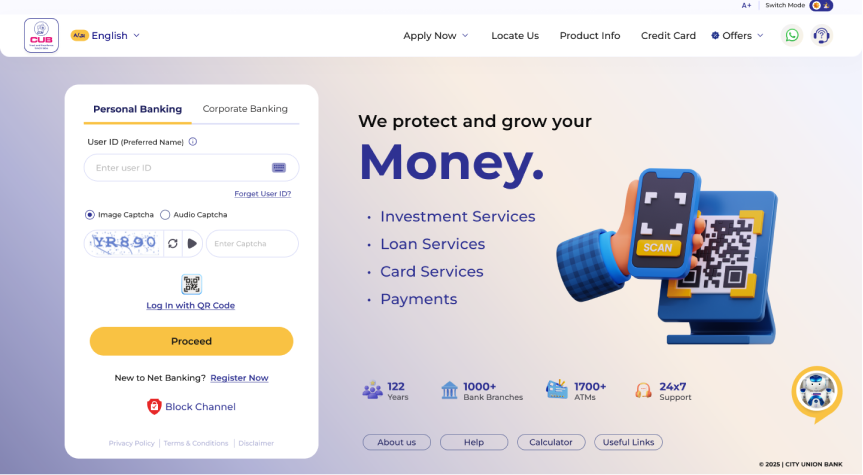
Step into the future of banking. Faster, smarter, and built around you — Register now to experience it.
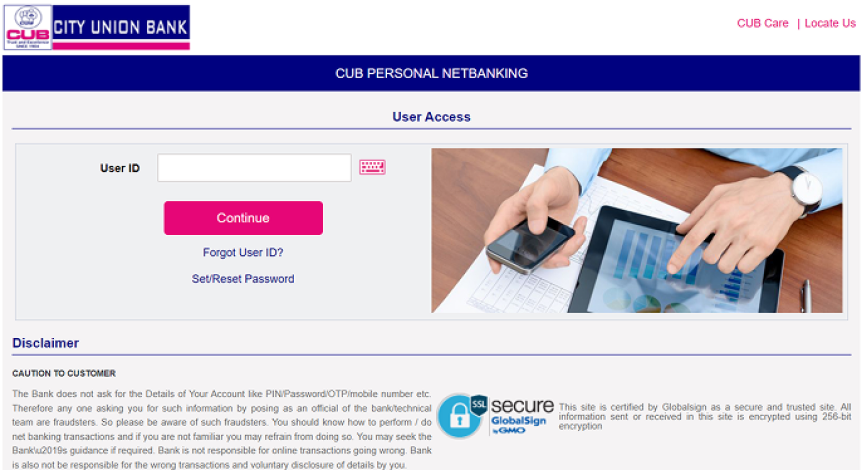
Continue using your existing Net Banking Platform which you have trusted for years with same credentials.
பாதுகாப்பான மொபைல் பேங்கிங் அனுபவத்தை வழங்க நாங்கள் உறுதியாக உள்ளோம். உங்கள் நிதித் தகவல்களை பாதுகாக்க மிகவும் புதிய தொழில்நுட்பங்களை நாங்கள் பயன்படுத்துகிறோம். எங்கள் வலை தளத்திற்கு பல்வேறு விதமான பாதுகாப்பு அம்சங்கள் உள்ளன.
1 Beware of Virus
Do not download any software or game application without verifying its security and privacy features from the website. To protect from the virus use anti-virus software:
2 உங்கள் மொபைலில் PIN-ஐ அமைக்கவும்
PIN அமைப்பதற்கான ஒரு வழிவகை அனைத்து மொபைலிலும் கொடுக்கப்பட்டிருக்கும். அதனை பயன்படுத்தலாம். மொபைலை ஆன் செய்தவுடன், உங்கள் மொபைலில் பயன்படுத்த PIN அங்கீகரிக்கப்படுகிறது.
3 உங்கள் மொபைலை சமீபத்திய சாஃப்ட்வேர் உடன் புதுப்பியுங்கள்
உங்கள் மொபைல் உற்பத்தியாளர் அல்லது விற்பனையாளர் உங்கள் மொபைல் போனின் மேம்படுத்தப்பட்ட சாஃப்ட்வேரை வழங்கலாம். இணையதளத்தில் இருந்து சாஃப்ட்வேர் புதுப்பித்தல்கள் கிடைக்கக்கூடிய தன்மையை நீங்கள் சரிபார்க்க வேண்டும்.
4 Do not share your mobile handset
To protect from the virus use anti-virus software:
5 PIN ஐ யாரிடமும் பகிர்ந்து கொள்ள வேண்டாம்.
Its highly suggested that you should not share your PIN with anyone for security reasons.
6 Do not leave your Mobile Banking application session unattended. Always exit from your Application.
Do not close the application in middle , instead do exit and close the Application
Error Message : 29009 - Unable to send request Connection closed. please try again :java.IOException. Your GPRS Connection was broken. Kindly close the Application and restart again to continue. Kindly check the Status of the transaction which was effected.
You can use UPI PIN for doing Mobile Banking transactions till it expires, After the PIN gets expired, You need to set separate PIN in Mobile Banking for Mobile Banking transactions.
Mobile banking PIN and UPI PIN are different.
பொறுப்புத் துறப்பு:
வங்கியின் கட்டுப்பாட்டிற்கு அப்பால் உள்ள காரணங்களால் சிட்டி யூனியன் வங்கி சேவைகள் கிடைக்காததற்கு பொறுப்பேற்காது
| பின்செல்லவும் |
|---|
கடைசியாக புதுப்பிக்கப்பட்ட தேதி: 16-06-2025 05:21:53 PM