






Generate or Reset Password / PIN
Create new password / Reset forgotten password and PIN for Net Banking and Mobile Banking

Debit Card PIN reset using Net Banking
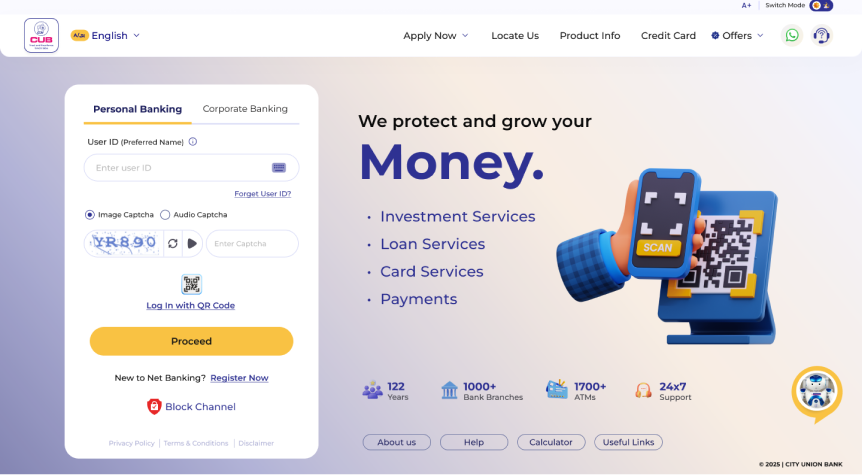
- Login to Net Banking ( www.onlinebanking.cub.bank.in )
- Go to Change your PIN menu
- Click on Debit / ATM Card PIN
- Choose your card from the drop down menu
- Enter new PIN and Transaction Password
- Enter OTP received on your mobile phone
Debit Card PIN reset using Mobile Banking
- Login to CUB ALL IN ONE app
- Go to Cards menu
- Debit / ATM Card PIN change
- Type the MPIN and set the new PIN for your card.
Activate debit card through ATM (GREEN PIN)
- ग्रीन पहल के रूप में, हमने आपके डेबिट कार्ड के लिए ग्रीन PIN सक्रिय किया है.
- अब आप नेट बैंकिंग या मोबाइल बैंकिंग या CUB के ATM पर जाकर अपना ATM PIN जनरेट कर सकते हैं.
- नया ATM डेबिट कार्ड डालते समय, आपको अपने रजिस्टर्ड मोबाइल नंबर (RMN) पर वन टाइम पासवर्ड (OTP) प्राप्त होगा.
- वन टाइम पासवर्ड (OTP) प्राप्त करने के बाद, कार्ड दोबारा डालें और अपनी कस्टमर ID दर्ज करें.
- फिर अपने मोबाइल में प्राप्त छह अंकों का OTP दर्ज करें.
- अपना चार अंकों का ATM पिन अभी सेट करें.
- If you forgot the ATM PIN, you can reset through Net Banking by entering the transaction password.
Activate debit card through Net Banking (GREEN PIN)
- Login to Mobile Banking using MPIN.
- Select Cards Menu and go to Debit/ATM Card Pin change Menu to set new Pin.
- Cards linked with the respective account is listed in the list box. Select the appropriate card from the list box and set your own four digit ATM pin and re-enter the same pin in the next tab also.
- Then enter the MPIN and press “Pin Reset” option.
- Enter the OTP to proceed further and click submit option.
- Message will be prompted as “Pin Reset for your ATM Card done successfully”.